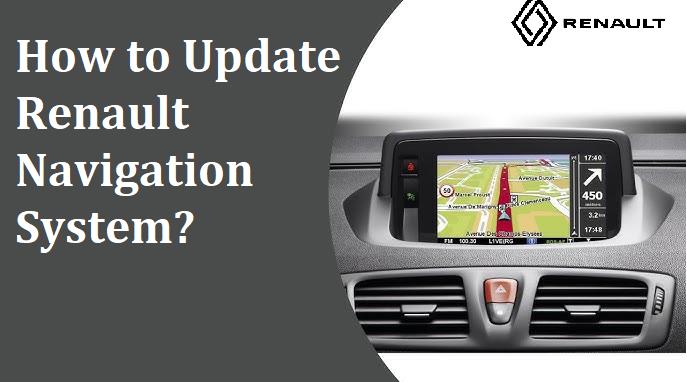
How to Update Your Renault GPS Navigation System?
Renault cars are known for their innovative and driver-friendly features. One of the most useful features in many of their models is the built-in GPS navigation system. A GPS that works well is important whether you're driving through an area you don't know or trying to find the quickest way through heavy traffic. But because roads and traffic patterns change all the time, it's important to keep your Renault's navigation system up to date to make sure it works properly and accurately. This article walks you through the steps and considerations involved in updating the GPS navigation system in a Renault vehicle.
Understanding Renault’s Navigation Systems
R-Link & R-Link 2: Multimedia systems with touchscreen navigation and live traffic services.
Carminat TomTom: Used in older Renault vehicles with TomTom maps and software.
Media Nav & Media Nav Evolution: User-friendly systems found in budget-friendly models.
Why Renault Navigation Updates Matter
GPS maps and navigation data become outdated over time due to new roads, changed traffic rules, construction zones, or updated points of interest like gas stations, restaurants, or parking lots. An old GPS can give you the wrong directions, make your trip longer, or even get you lost in places you've never been before. Updating your Renault navigation makes sure that:
- Betteraccuracy of routes
- Access to new streets and buildings
- New information about traffic
- Better fuel economy by optimizing routes
- More safety features
What You’ll Need
Before updating your Renault GPS, prepare:
- USBDrive(8GB+,FAT32 or exFAT format)
- Internet-connected PC or Mac
- Compatible software: R-Link Toolbox, TomTom Home, or Naviextras Toolbox
Step-by-Step Update Process
Step 1: Prepare USB
- InsertUSB into car and turn on ignition
- Go to Settings > System > Update
- Let the system save info to USB
Step 2: Download Updates
- InsertUSB into your computer
- Open Renault update software
- Download updates
Step 3: Install in Vehicle
- Reinsert USB into car
- System detects and installs updates
- Keep engine running; don’t remove USB
Tips for Smooth Updating
- Park in a secure spot
- Back up saved destinations
- Ensure stable internet and power
- Use correct Renault software
Wi-Fi Updates
Some models support wireless updates. Go to Settings > Navigation > Map Update and connect to Wi-Fi.
Update Frequency
Renault releases updates 2–4 times yearly. Check your model's policy for free or paid access.
Final Thoughts
Updating the GPS navigation system in your Renault car is not only a good idea, but it's also an important step toward making your driving safer, more efficient, and more enjoyable overall. It might seem technical at first, but most people can handle it if they follow the right steps. You can keep your Renault's navigation system up to date and ready for any trip if you have the right tools, some time, and pay attention to the details.